How to Add an Adsense Code Manually into Blogger Template
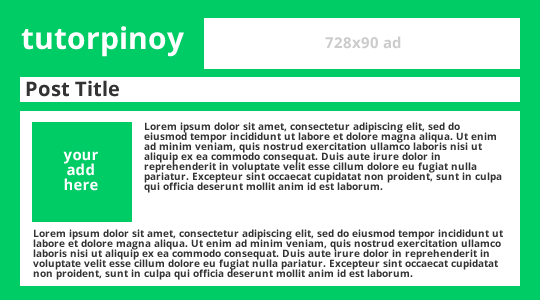
In this article you'll be able to learn on how to Add an AdSense Code manually into blogger template. If you have an AdSense Account and wanted to setup a blog using blogger. You can however incorporate your approved email account with AdSense in which blogger creates the widget and automatically insert your adcode in between, before or after each posts. You can find anywhere in the web on how to do this thing but here I'm going to give you the instructionswith ease. Let's take a look at the layout below. What we're going to do is put an AdSense code in the green square with "your add here" caption. And we only wanted it to appear on items and or blog posts. 1 On your Blogger's dashboard, Click the Template then Click "Edit HTML" . 2 Click anywhere on the Template editor window and Press Ctrl+F then type the following b:widget id='Blog1' in the search box and press Enter. You should see similar to the image below. Within the ...